Click-Free Seamless Looping
Equal-power crossfade (10–15 ms) at every loop boundary. No pops, no glitches — just smooth, artifact-free playback.
For Android musicians
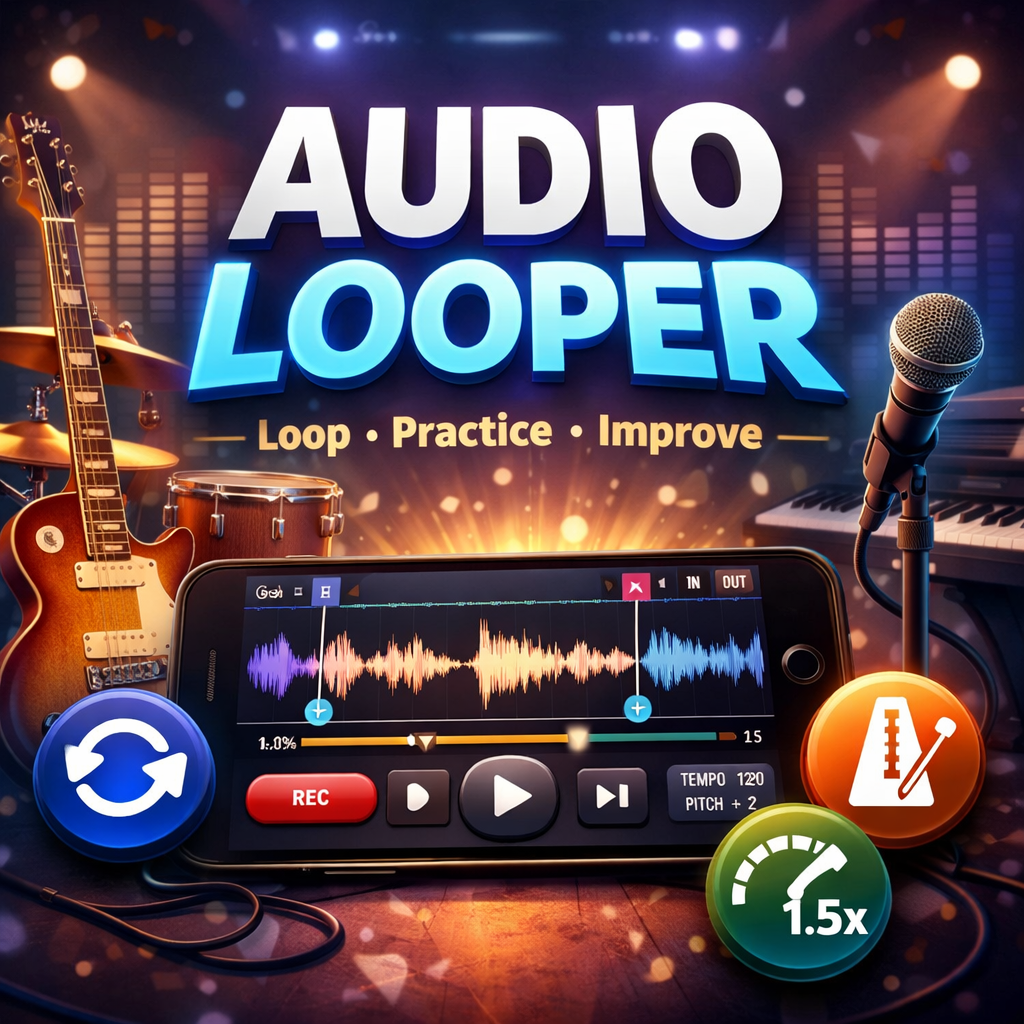
Advanced Improviser turns any audio file into a powerful practice tool. Draw loop regions on a professional waveform editor, adjust tempo and pitch, and play back with click-free seamless looping — all on your phone.

Free · Android 12+ · No ads
From casual song learners to professional musicians — Advanced Improviser gives you studio-grade loop tools in your pocket.
Equal-power crossfade (10–15 ms) at every loop boundary. No pops, no glitches — just smooth, artifact-free playback.
10 zoom levels from 1/256× to 8×. Drag the waveform to scroll, tap to seek, and see a live time ruler that adapts to your zoom.
Create as many colour-coded regions as you like. Each has a custom name, precise sample-accurate boundaries, and drag handles with oversized 72 px touch targets.
Slow down or speed up any track from 0.5× to 2.0× without changing pitch. Snap points at every 0.1× increment make it easy to lock in the right speed for your practice session.
Transpose any audio file up or down a full octave in either direction while keeping the tempo exactly where you want it. Perfect for transposing to a different key.
Regions are saved automatically as lightweight JSON sidecar files keyed by audio content hash — not file name. Move or rename your file and your loops still load.
Memory-optimised engine streams and caches audio intelligently. Load files over 200 MB without crashes, with smart waveform downsampling for recordings over 30 minutes.
Import MP3, WAV, FLAC, M4A / AAC, and OGG files from anywhere on your device. Hardware-accelerated decoding keeps loading fast even on large files.
Reopen recent tracks instantly. Tempo, pitch, zoom level, and selected region are restored exactly as you left them — per file.
Three simple steps to a better practice session.
Tap Select File and pick an MP3, WAV, FLAC, M4A, or OGG from your device storage. The app decodes it, renders the waveform, and loads any regions you saved previously.
Press Set Start at the beginning of the phrase, play a bit, then press Set End. Drag the handles to fine-tune. Add a name, pick a colour, and lock the handles so nothing moves by accident.
Start playback and dial in your tempo — slow it right down to 0.5× while learning a difficult passage, then ramp it back to 1× as you get comfortable. Shift the pitch if you need a different key.
Works with the files you already have.
Download Advanced Improviser for free on Google Play. No in-app purchases, no ads — just a clean, focused practice tool.
Android 12 (API 31) and above · Free